A page that's already designed
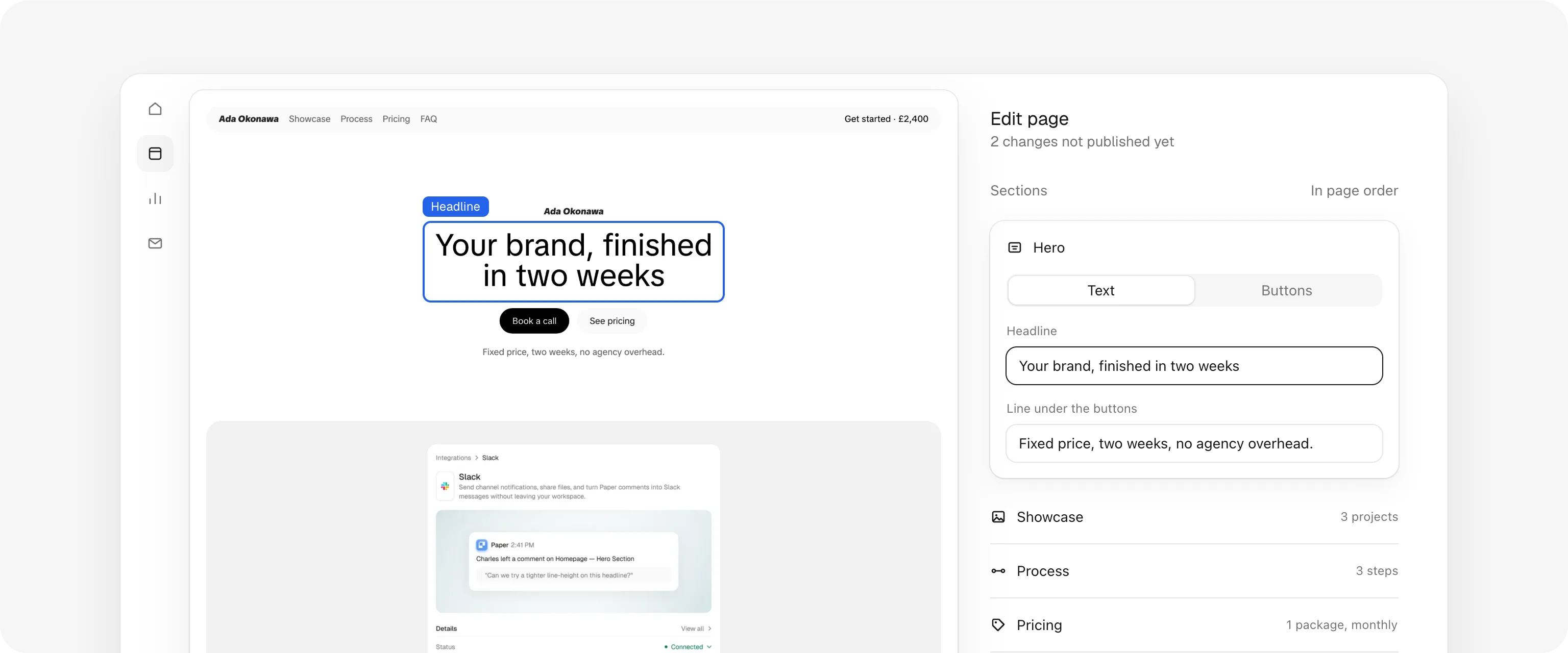
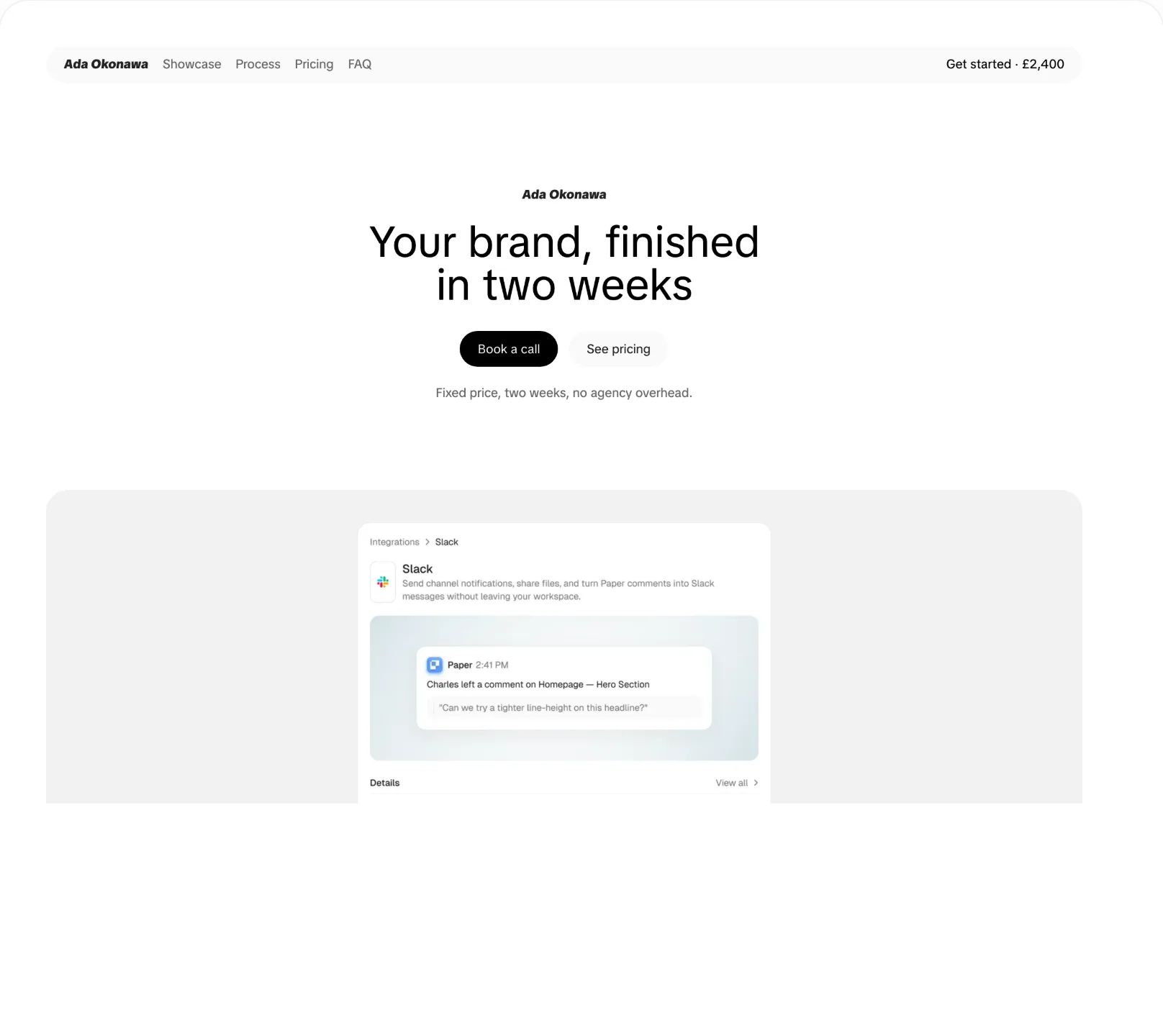
Hero, work, process, pricing and questions, in the order that sells. Edit the words, turn off what you don't need.
Use cases
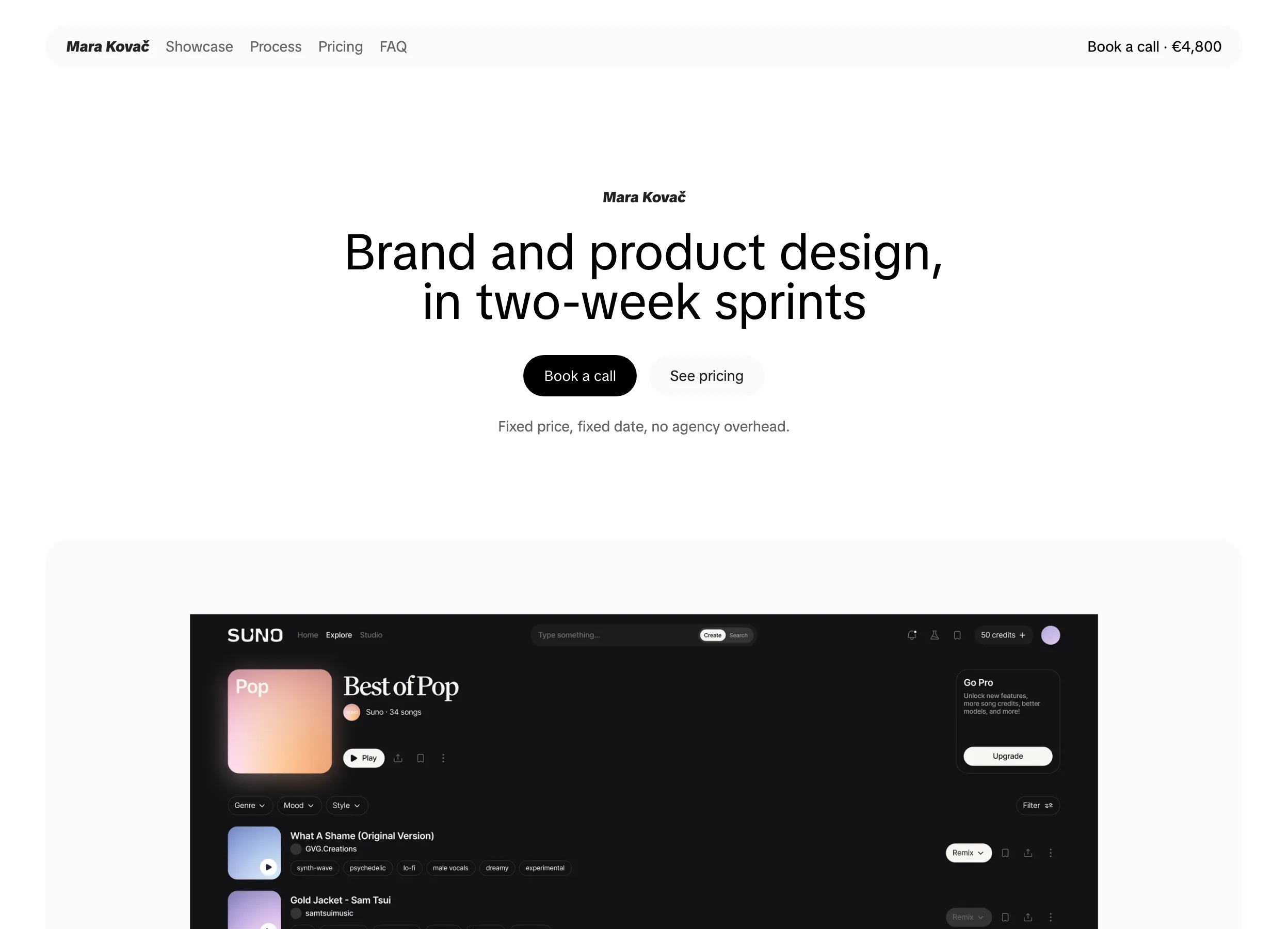
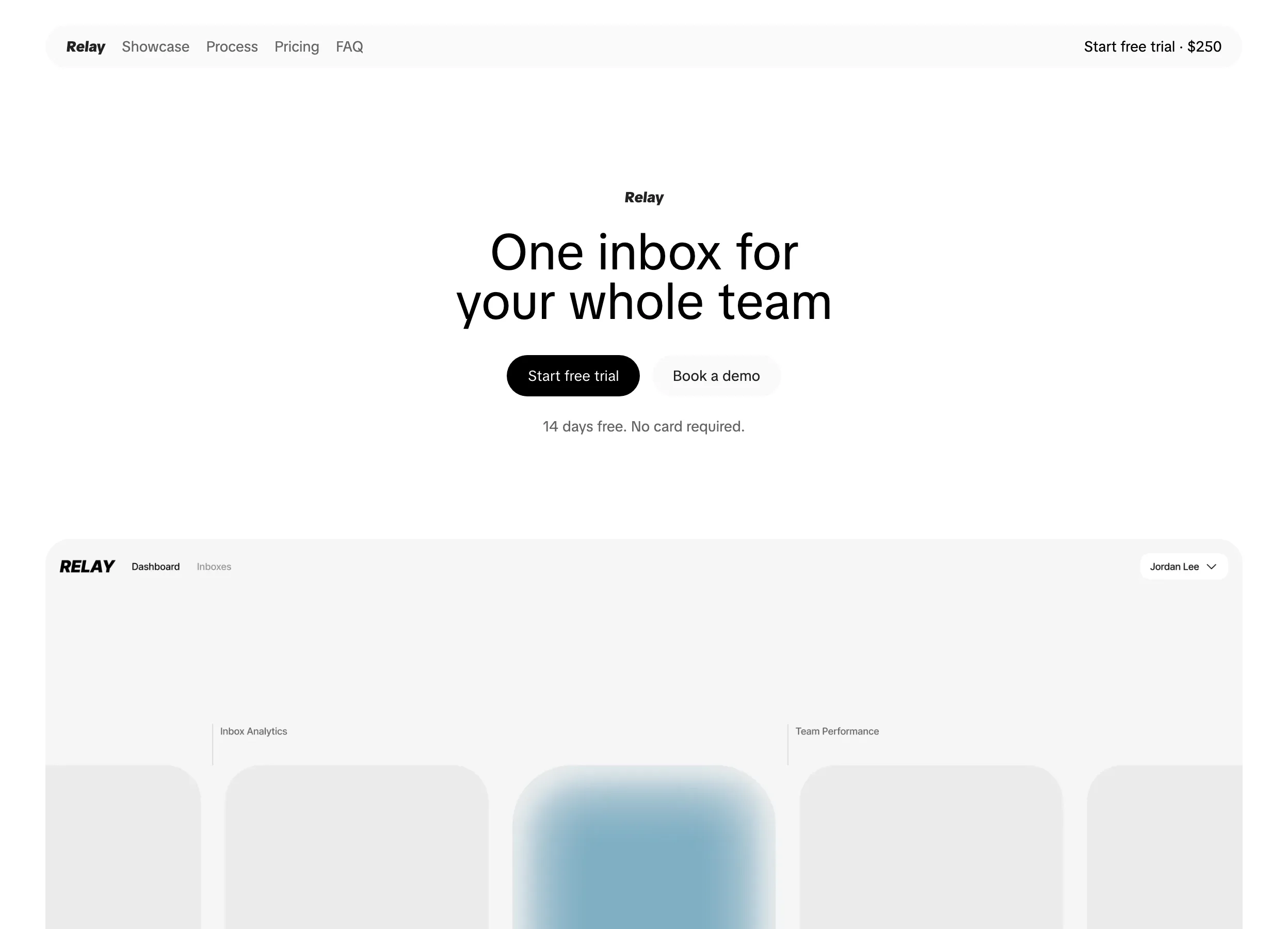
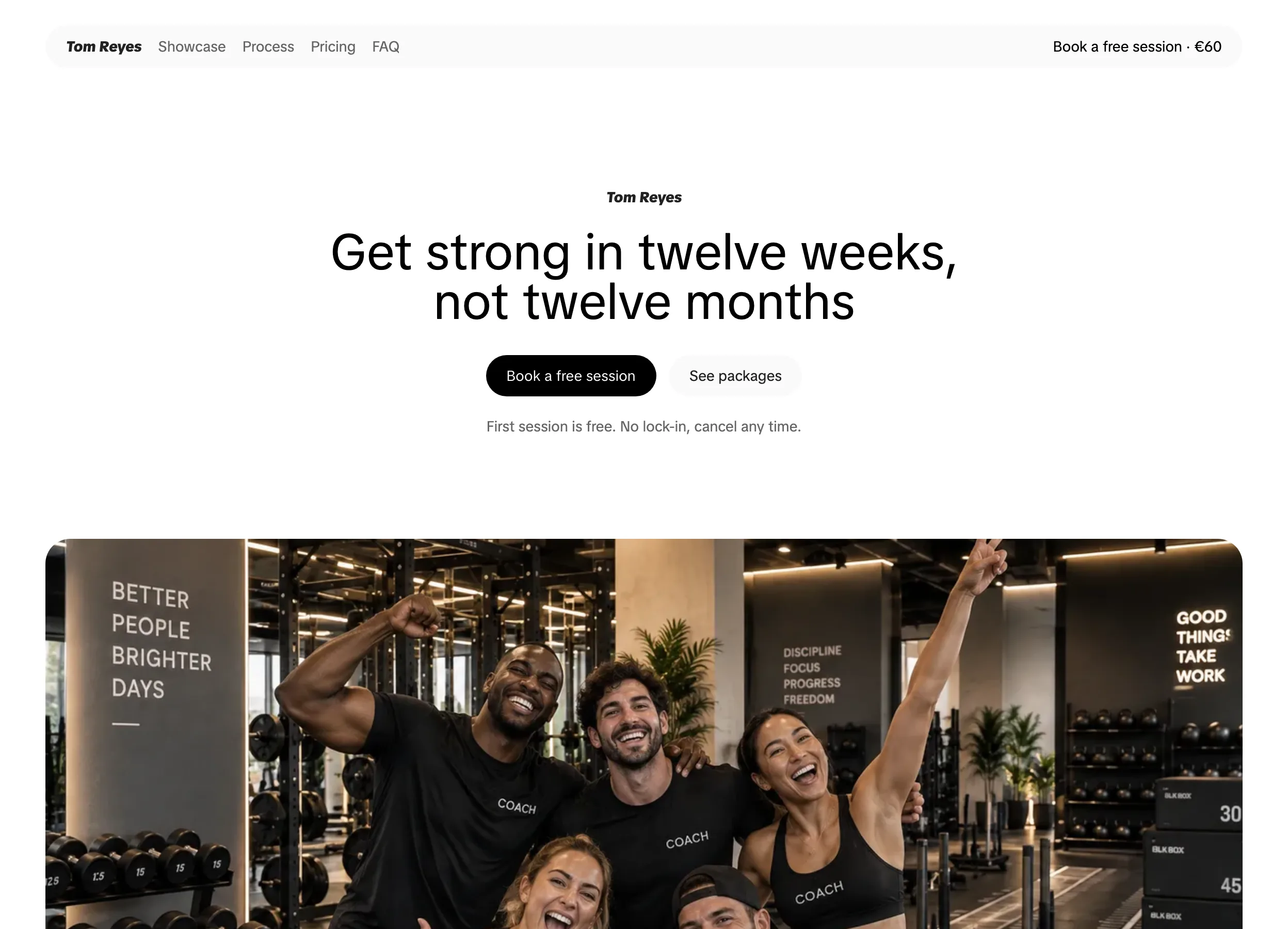
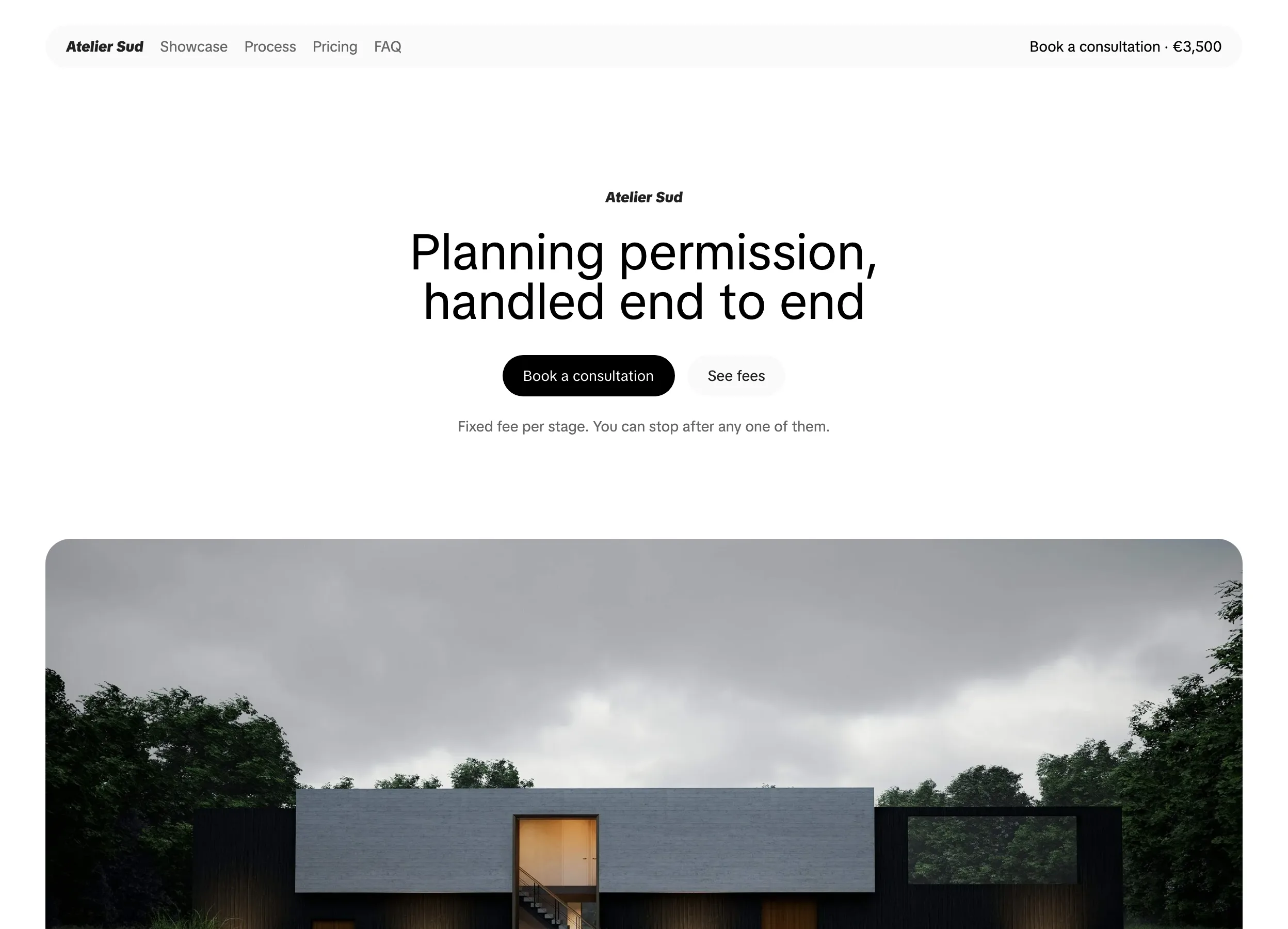
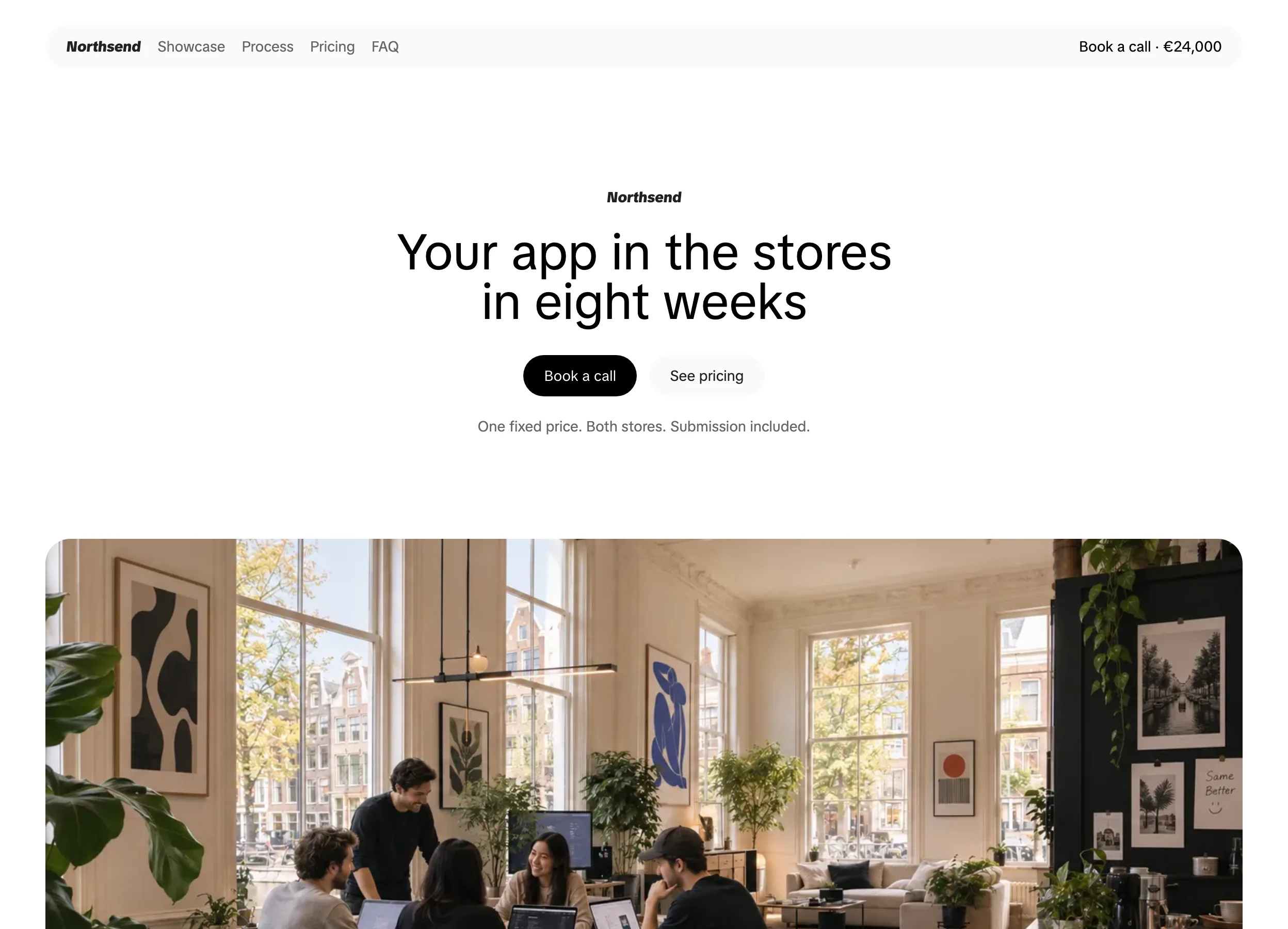
Designers sell sprints and retainers. Show the work, explain how you run a project, and put a price on it so clients book without a discovery call.
After you publish
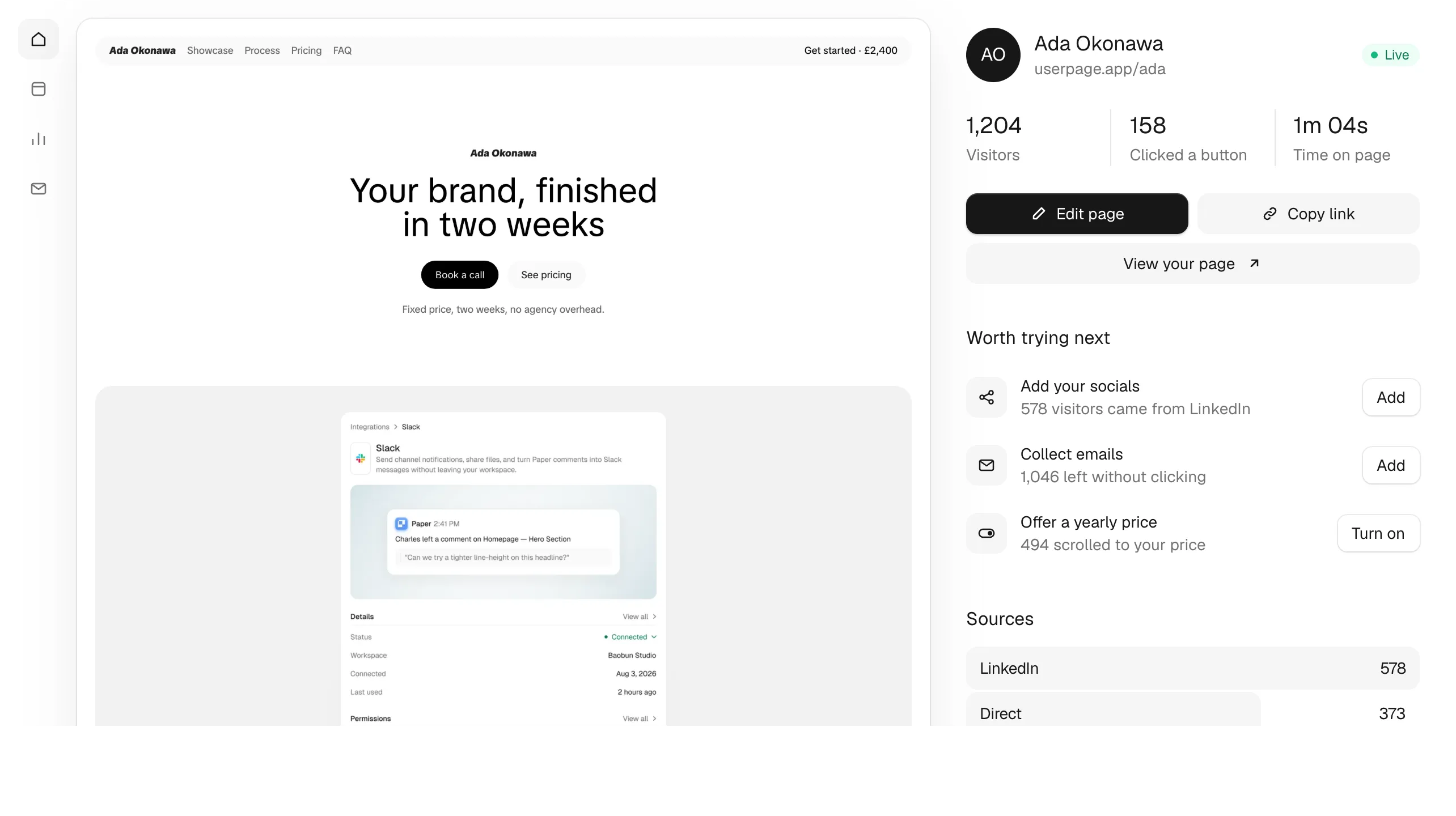
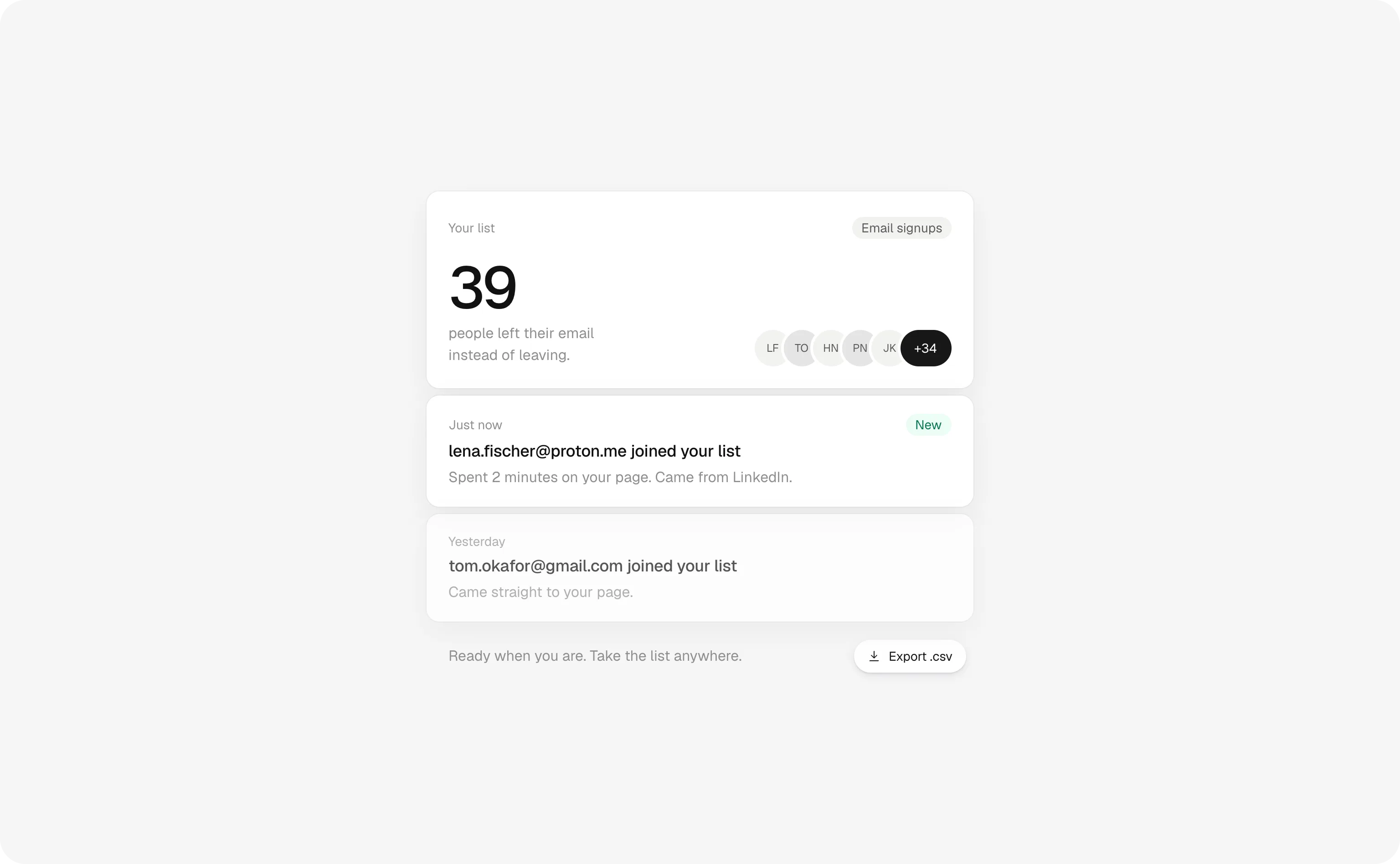
Userpage keeps working after you publish. It watches every visit and tells you what's worth changing, so you can get back to your clients.
Build my website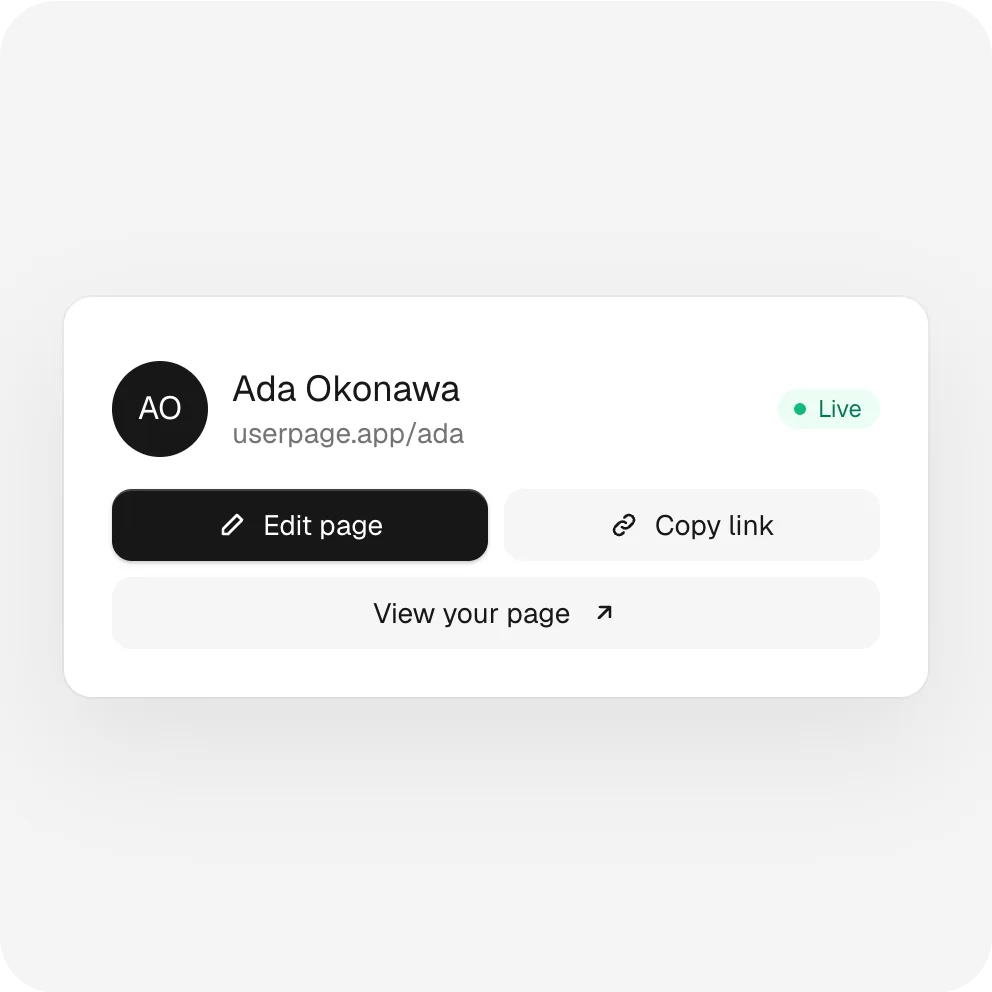
Your page is live at one link you can put in every bio, email and post.
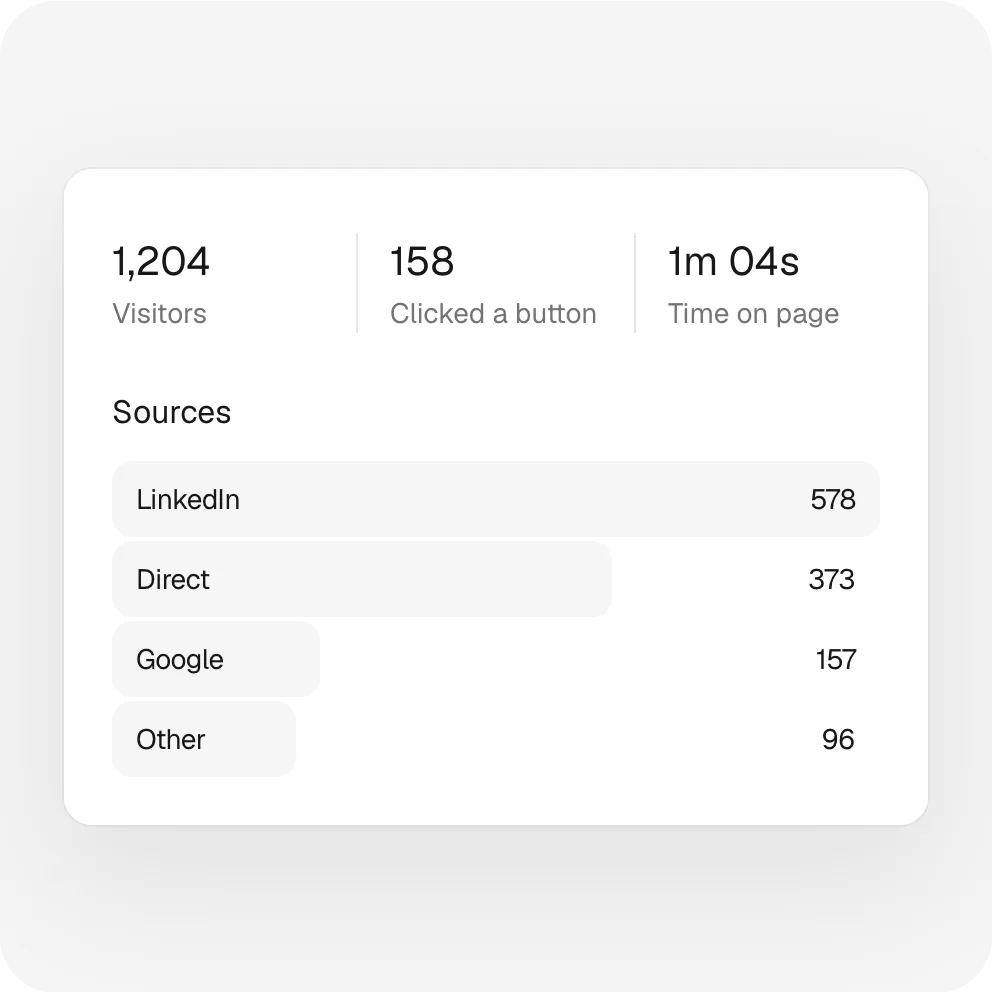
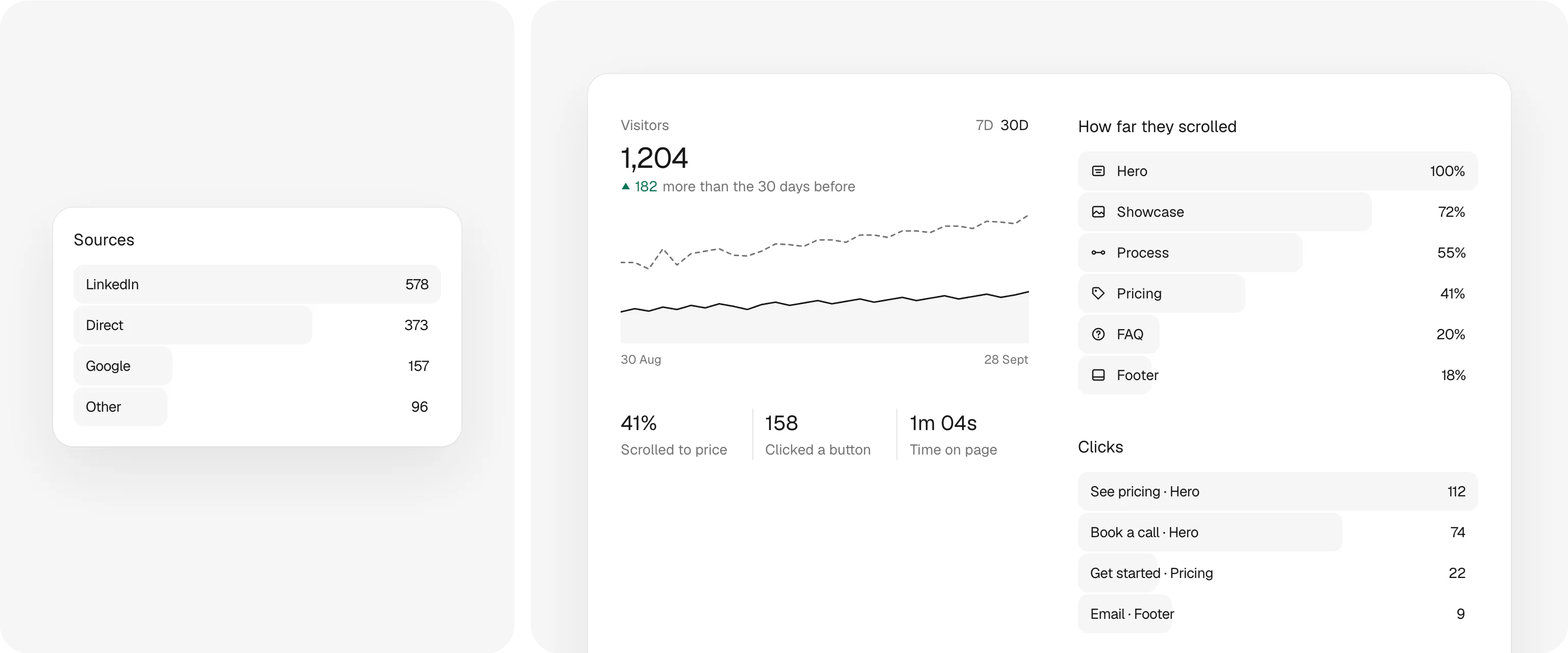
Who came, where from, how far they read and which buttons they clicked.
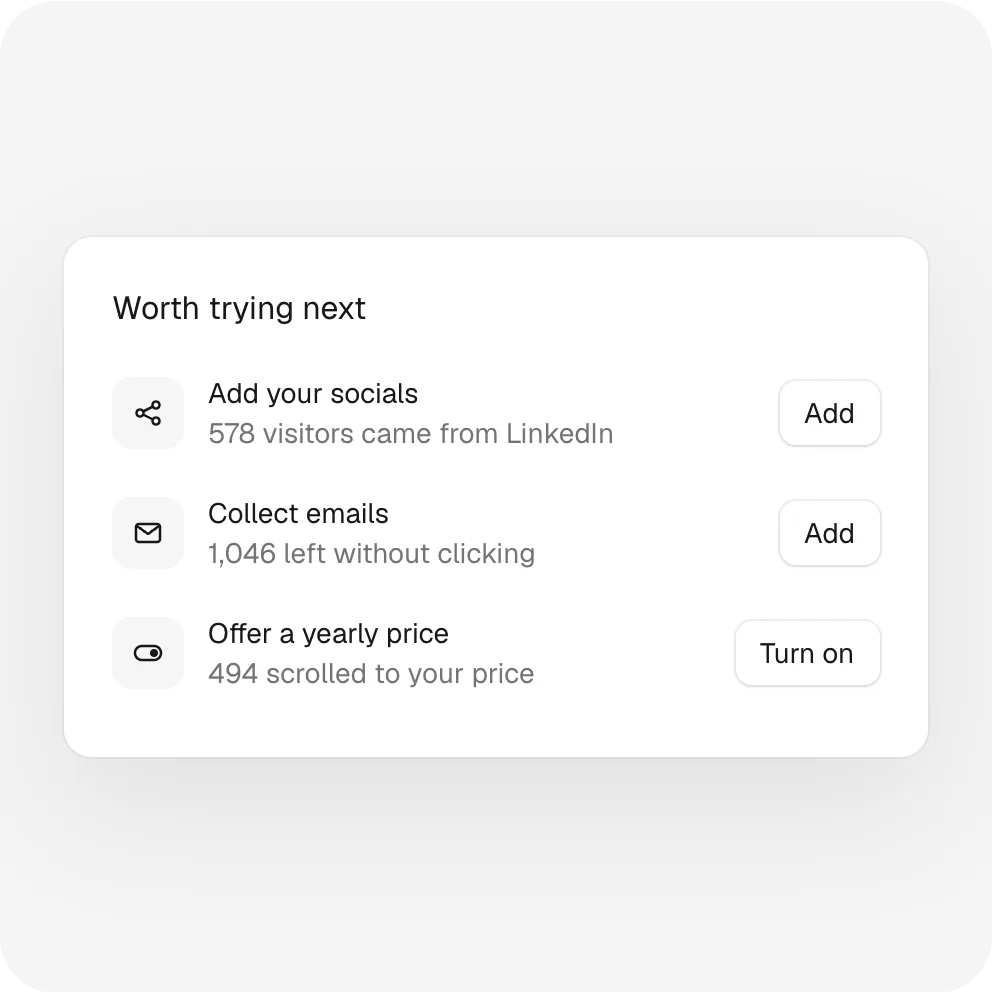
Suggestions from your own numbers, so every change has a reason.
While you work
It answers the questions you'd answer on a call, shows you what brought each visitor, and keeps the ones who aren't ready yet. You check in when it suits you.
Build my website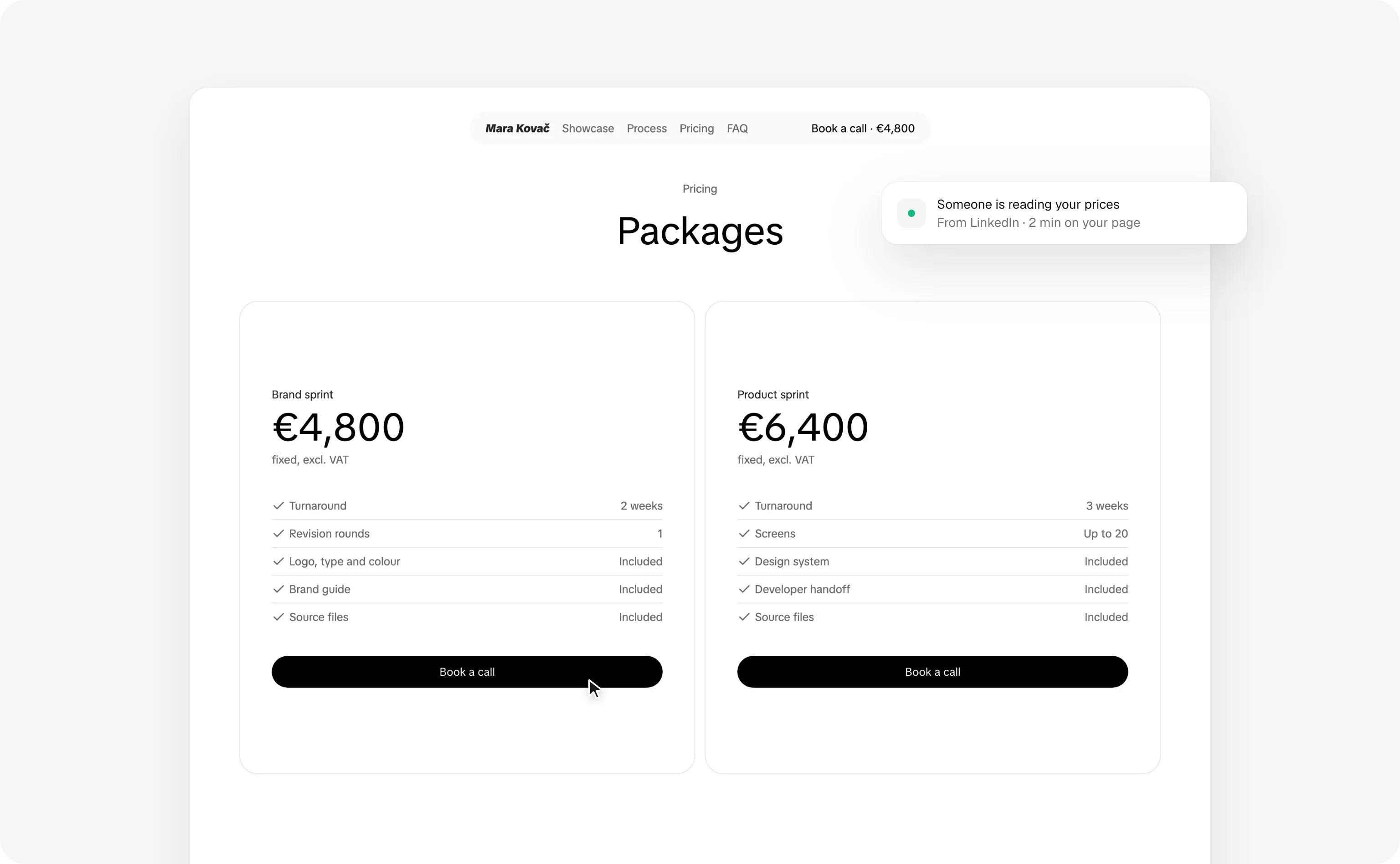
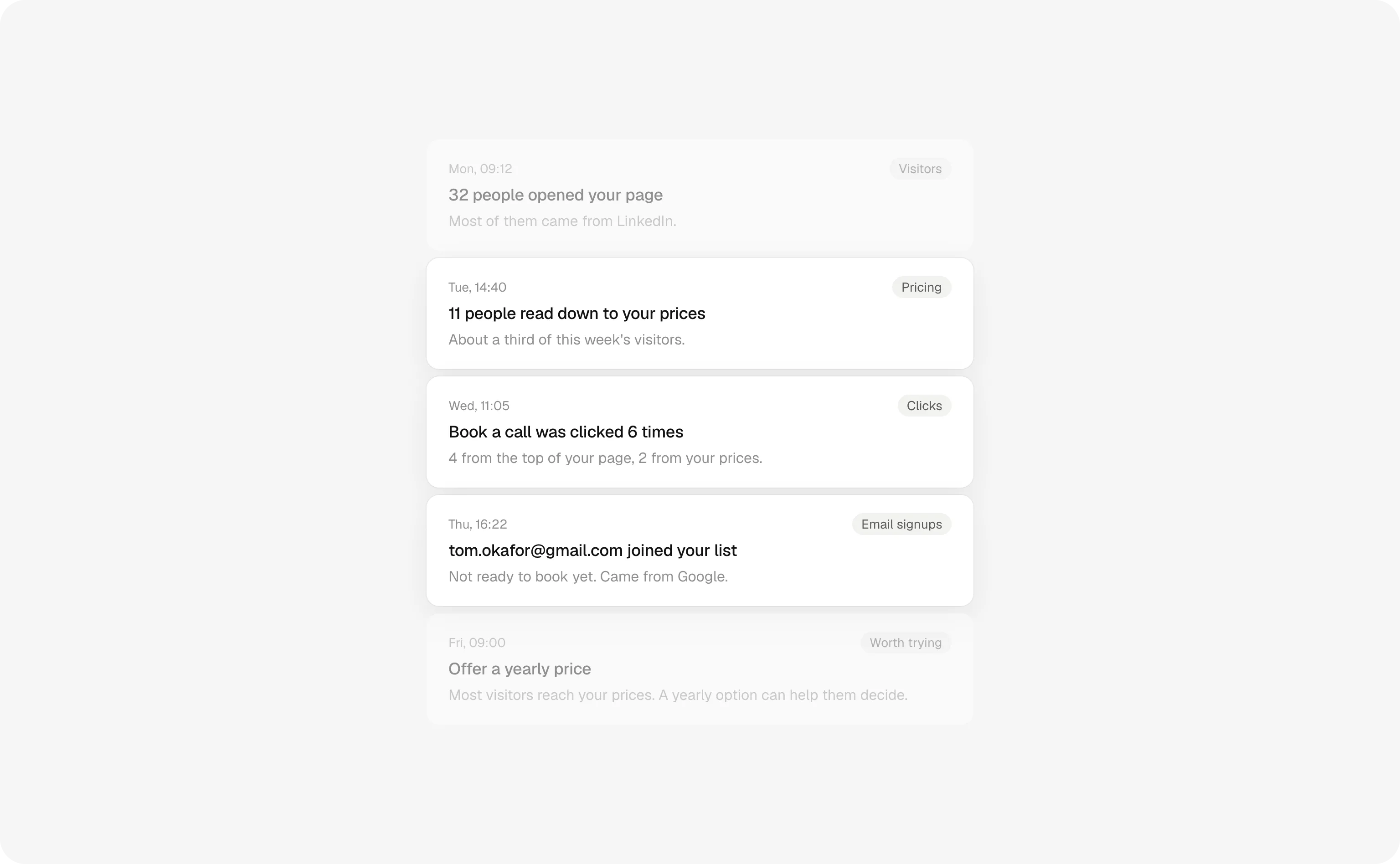
Features
The sections, prices and insights you need to sell come already designed. Fill them in once and get back to your clients.
Build my websiteHero, work, process, pricing and questions, in the order that sells. Edit the words, turn off what you don't need.
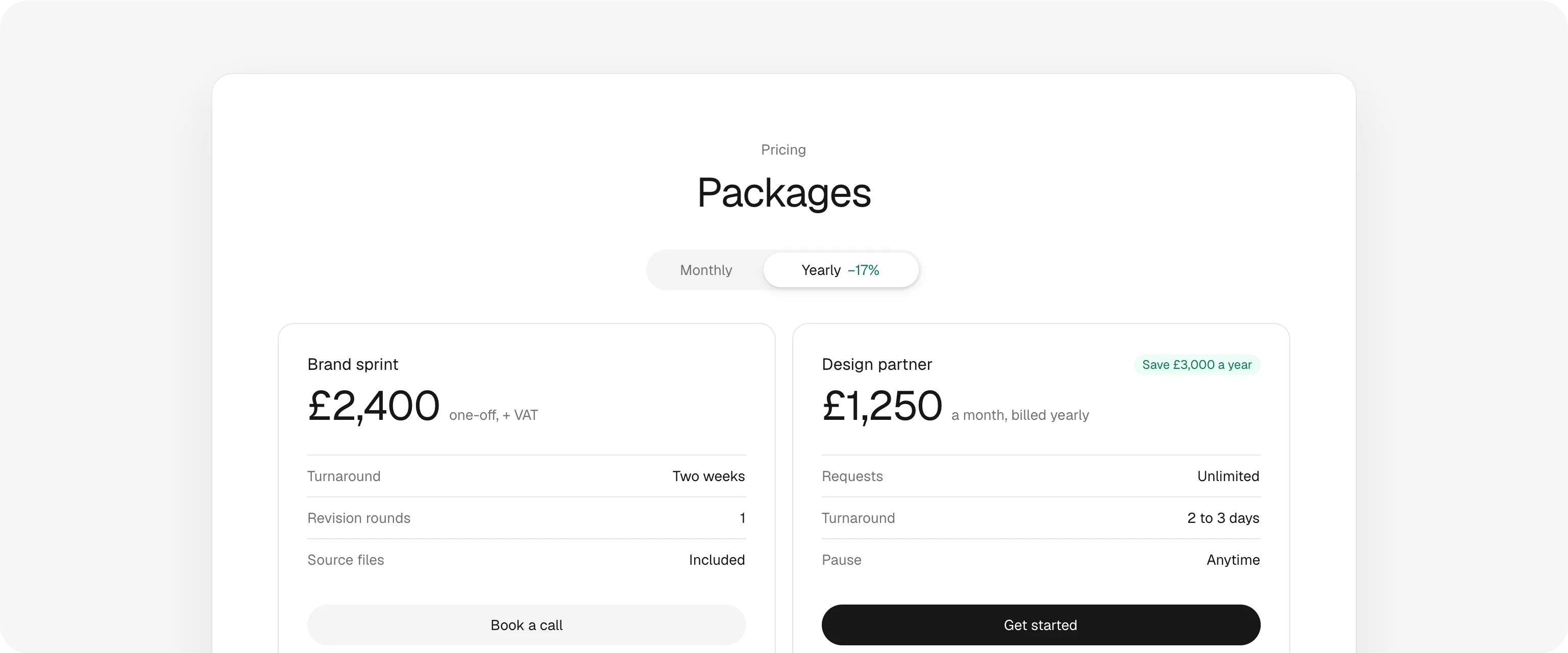
Packages with what's included. Sell the work you do on repeat monthly or yearly, and show what paying upfront saves.
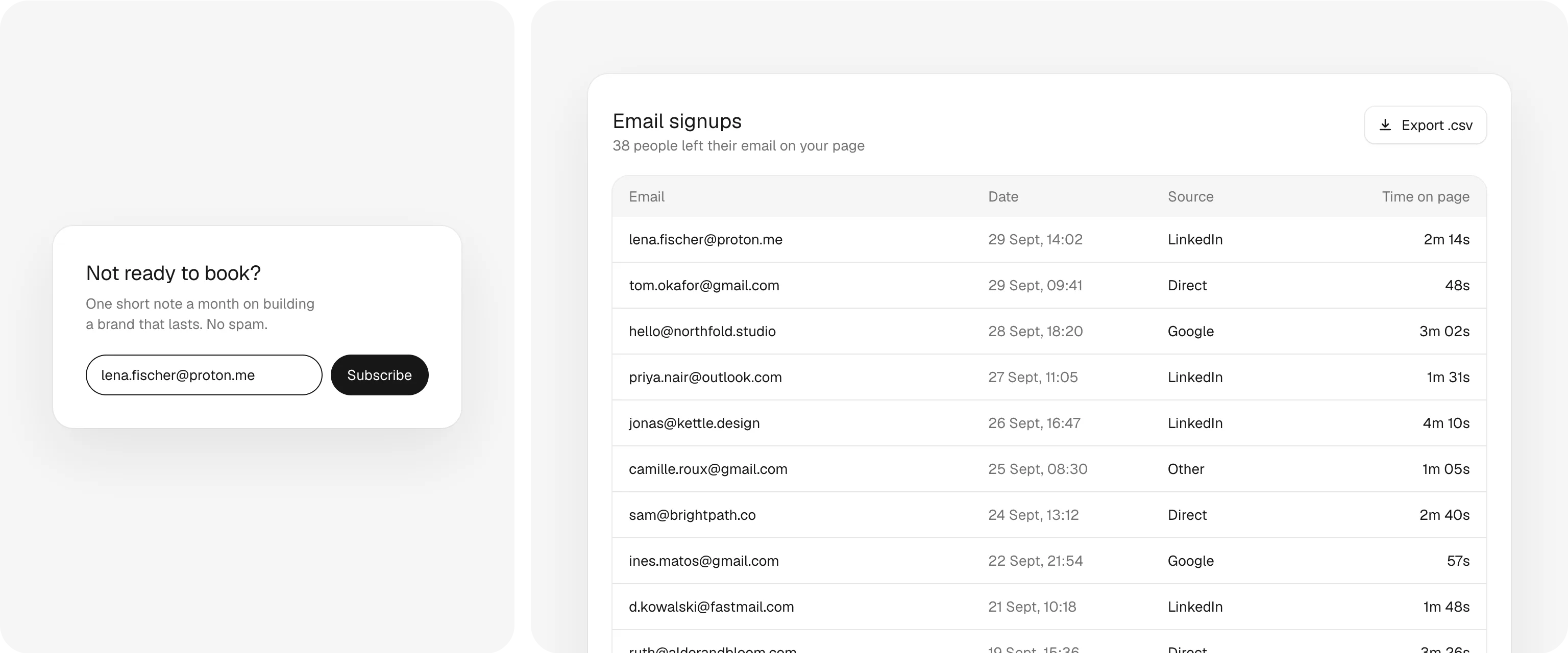
Visitors who aren't ready to book leave their email. See where each one came from, and export the list whenever you like.
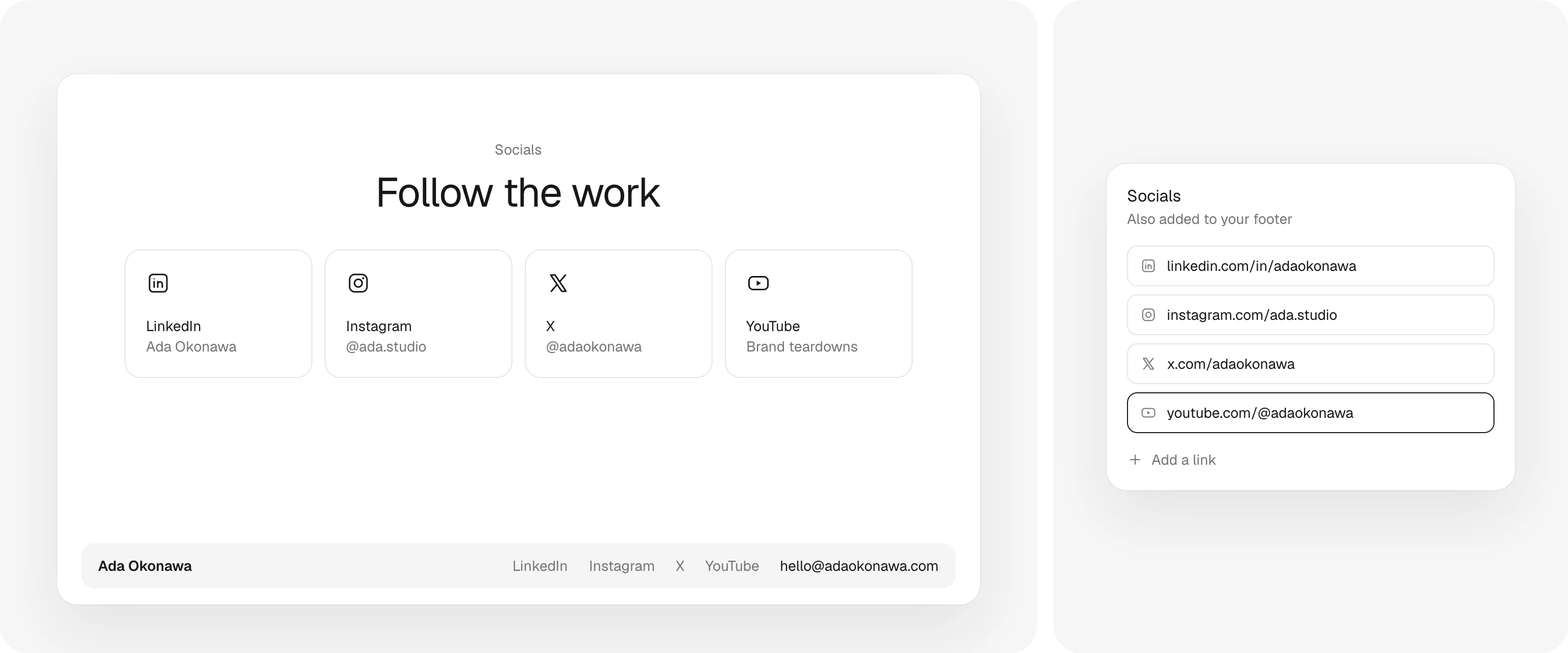
Add your links once. They get their own section on your page and show up in your footer too.
Who came, from where, how far they read and what they clicked. Enough to know what to post next, nothing to decode.
Pricing
Every feature on this page comes with it. Build your page first, then try it free for 7 days.
Build my websiteOne page with everything on it, and the numbers behind it.
$4 a month, billed yearly


Custom URL. userpage.app/yourname, or your own domain like yourname.com.
A/B tests. Try two headlines or button labels and see which one gets more clicks.
Every section. Work, process, pricing and questions, in the order that sells.
Monthly and yearly prices. Show both, and what paying upfront saves.
Email signups. Visitors who aren't ready leave their email. Export the list anytime.
Socials. Add your links once. They show on your page and in your footer.
Made for phones too. Every section is designed for small screens.
Visitors. The last 7 or 30 days, how long they stay, and who's on your page right now.
Sources. LinkedIn, Google or a newsletter: where each visit came from.
How far they read. Which sections people reach, down to your prices.
Clicks and devices. Every button they click, on desktop or mobile.
Help from real people. Write to us from the app, and we answer.
Questions
Something else on your mind? Write to us from the app and a real person answers.
Build my websiteA one-page website for what you sell: your offer, your work, your prices and the questions clients ask, with email signups and insights built in. Build it in the editor and publish it at userpage.app/yourname.
A link in bio is a list of links. Userpage is a real landing page: packages with prices, how you work, answers to common questions, and a signup for visitors who aren't ready yet. Everything on it points to one thing: booking you.
Framer and Webflow build any website from a blank canvas, and take time to learn. Userpage is one page made to sell what you offer: the design is done, you fill in your offer and publish the same evening, with email signups and insights already built in.
Yes. The page is already designed, down to the spacing and how it looks on a phone. You write about what you sell and add your work; we take care of the rest.
About an evening. Start with the sections you have ready, turn off the ones you don't need, and add the rest later.
Yes. Add your links to the Socials section (they show up in your footer too), publish, then put your userpage.app link in your bio instead.
Yes. Visitors, where they came from, how far they scrolled, which buttons they clicked, time on page, devices, and who's on your page right now.
Yes. Write a second version of your headline, sub-headline or a button, and half your visitors see each. Insights shows which one gets more clicks on your main button, and you keep the winner in one click.
Yes, it's included. Type your domain in Settings, add the one DNS record we show you where you bought it, and your page moves there, secure and with nothing else to set up.
Coming soon, we're working on it.
Yes, from Settings. Cancel during your 7 free days and you pay nothing.
Write to us from the app. A real person reads every message and answers.
Claim your link now. Your page keeps working after that.